
Google Play Store PC
Google Play is Google's digital distribution platform. On Windows, Google offers Play content through the browser and Google Play Games on PC.
52.9 MB

5.37 · Serguéi Kazansky · Page updated
Victoria HDD/SSD is a free Windows tool by Sergei Kazansky for diagnosing hard drives and SSDs, reading SMART data and testing disk surfaces.
Average 0.0 · ratings: 0
Thank you! Your rating is saved; you can change it. Could not save the rating. Please try again later. Too many ratings from your network today. Please try again tomorrow. The average appears after 5 ratings.
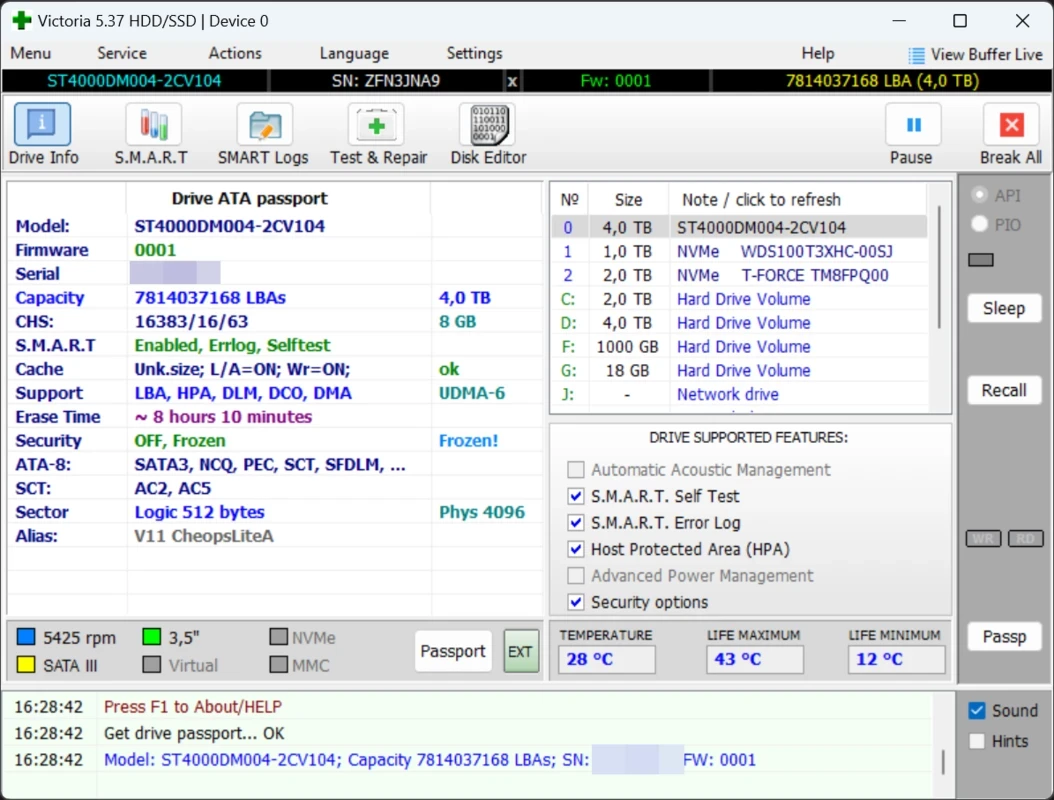
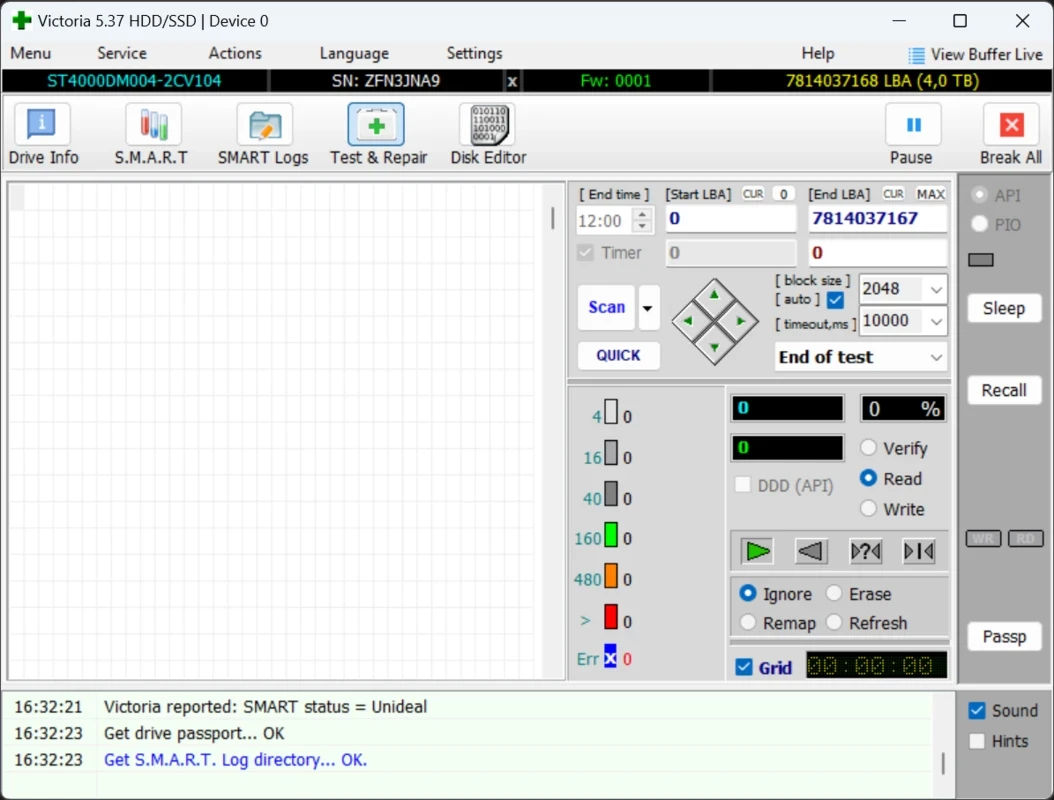
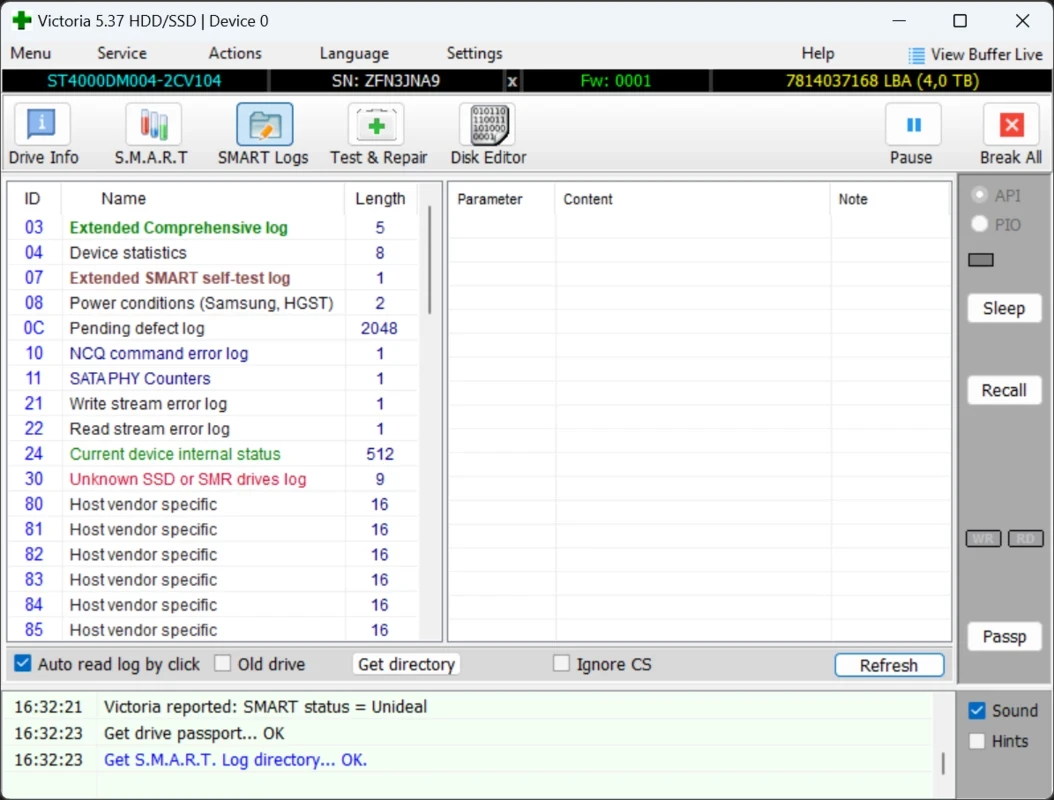
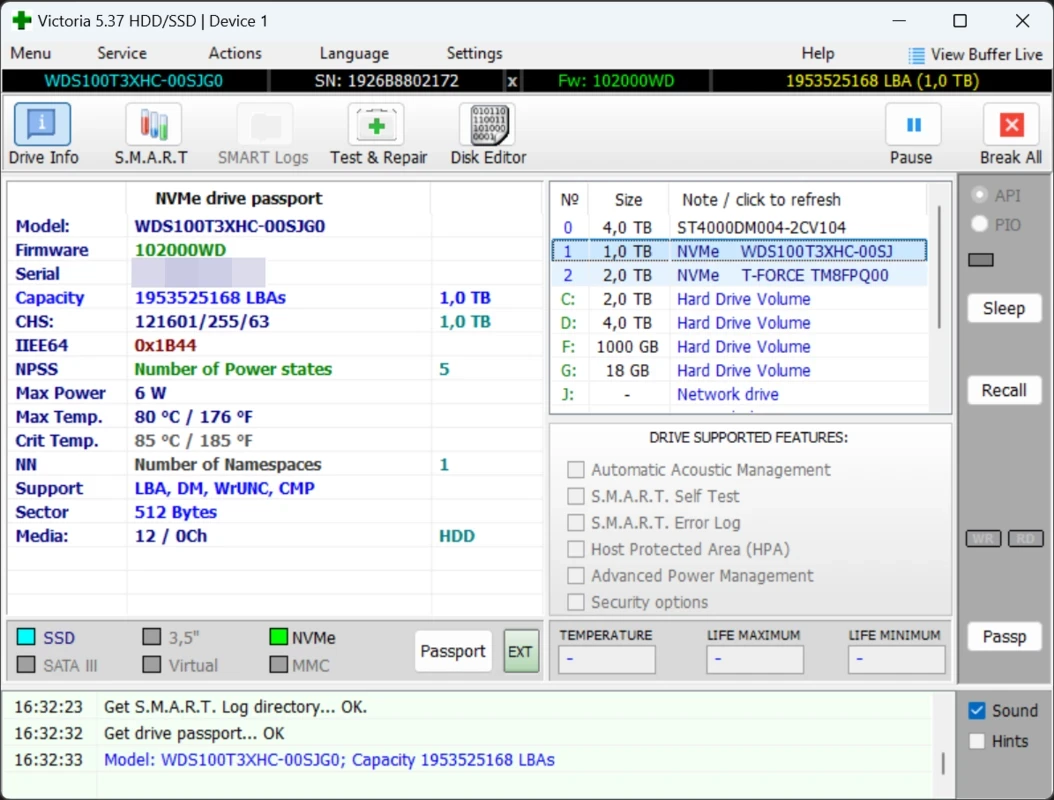
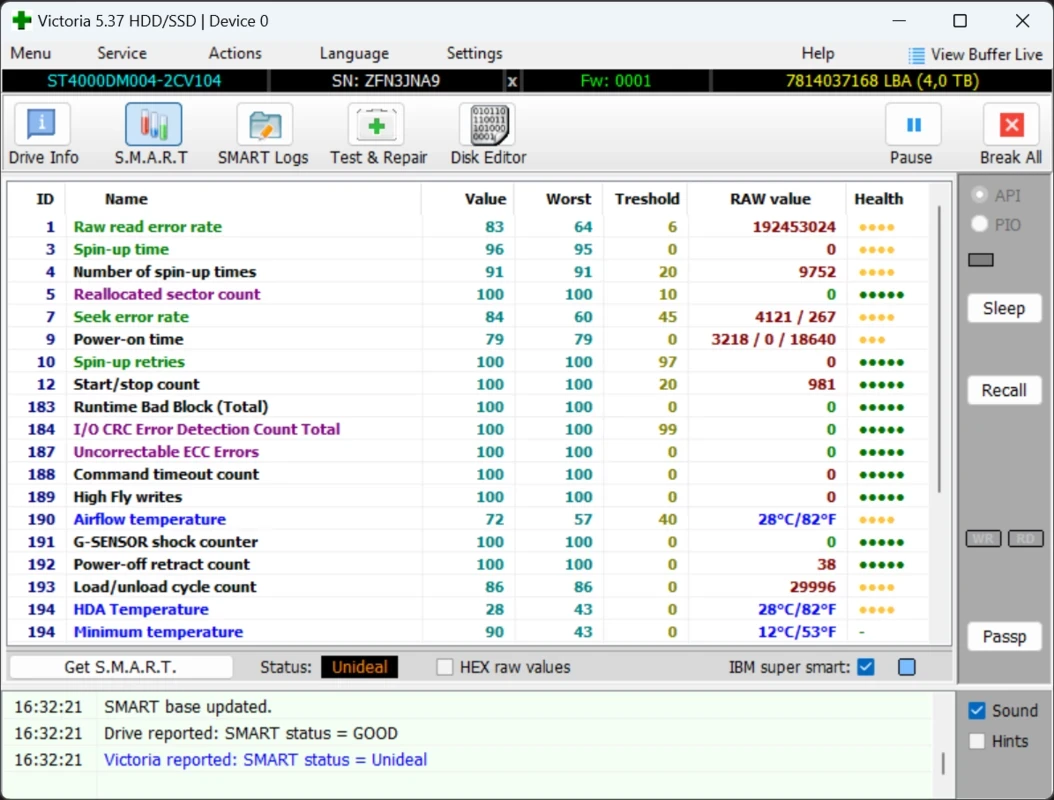
Victoria HDD/SSD 5.37 is a free disk diagnostics program for Windows by Sergei Kazansky. It reads the health data that drives report about themselves, measures how fast each area of a disk responds and can help identify failing sectors. It is a long-standing tool among technicians, and you can download Victoria HDD/SSD for Windows from the author's site, hdd.by.
Victoria is aimed at people who need to know whether a drive can still be trusted: repair technicians checking a customer's laptop, system administrators deciding whether to replace a disk, and experienced users whose PC has become slow, freezes when opening files or makes clicking noises. The program shows SMART attributes, the internal statistics a drive keeps about reallocated sectors, read errors, power-on hours and temperature. Its surface test reads the disk block by block and colour-codes how long each block takes to respond, so slow or unreadable areas stand out. On mechanical hard drives this is often an early, clear sign of wear. The interface is dense and technical, and some functions write to the disk. That makes Victoria a tool for people who read before they click. If you simply want a quick health check, a simpler SMART viewer is the safer choice.
| Item | Details |
|---|---|
| Version | 5.37 |
| Author | Sergei Kazansky |
| Platform | Windows |
| Licence | free |
| Size | about 1.5 MB according to catalogue data |
Solid-state drives do not have a spinning surface, so the timing map means less. Their SMART data, especially wear indicators and error counts, is the more useful signal. Manufacturers' own SSD tools often provide firmware updates and clearer health reports.
CrystalDiskInfo in our listings gives a simpler health overview of drives. DiskDigger helps recover deleted files, and Rufus prepares bootable USB drives for repairs.
Google Play is Google's digital distribution platform. On Windows, Google offers Play content through the browser and Google Play Games on PC.
Media Creation Tool is a free Microsoft utility that downloads Windows and turns it into a bootable USB flash drive or an ISO file.

LDPlayer is an Android emulator for Windows that runs mobile apps and games on a computer.

BlueStacks is an Android emulator for Windows that lets you run Android apps and games on your PC.
Rufus is a free Windows utility that turns a USB stick into a bootable installer. The current version is 4.15.

PC App Store is a free software store for Windows from Baidu for finding, installing and updating PC programs. This page covers version 5.0.1.8682.

Uptodown App Store for Windows is the desktop client of Uptodown, a marketplace for desktop software and mobile apps. This page covers version 1.0.3.

NoxPlayer is a free Android emulator from Bignox for Windows and macOS that runs mobile games and apps on a computer with keyboard and mouse control.